License Status
Example license usage status (Active/Expired)
NEW
Version 2.1.0+ — Updated License Status
Starting from version 2.1.0, the license status display has been updated. Watch the video below for the latest information.
View previous license status guide (before v2.1.0)
1
Full Version
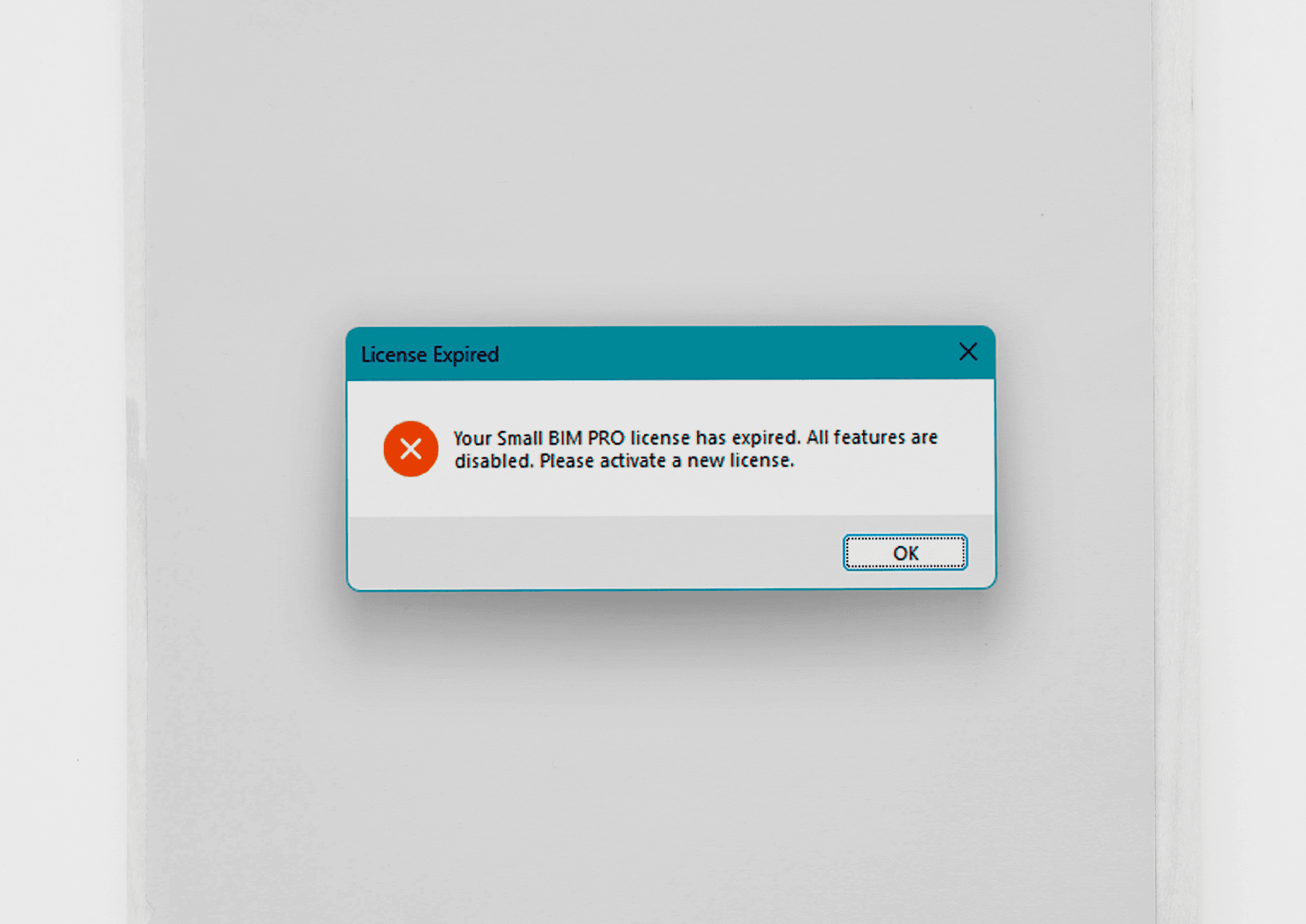
Full Version license expired status
Note: The warning will appear 7 days before the actual expiration date every time Revit is launched. "Your Small BIM PRO license has expired. All features are disabled. Please activate a new license." Renew by contacting Small BIM Studio through any channel.
2
Trial Version
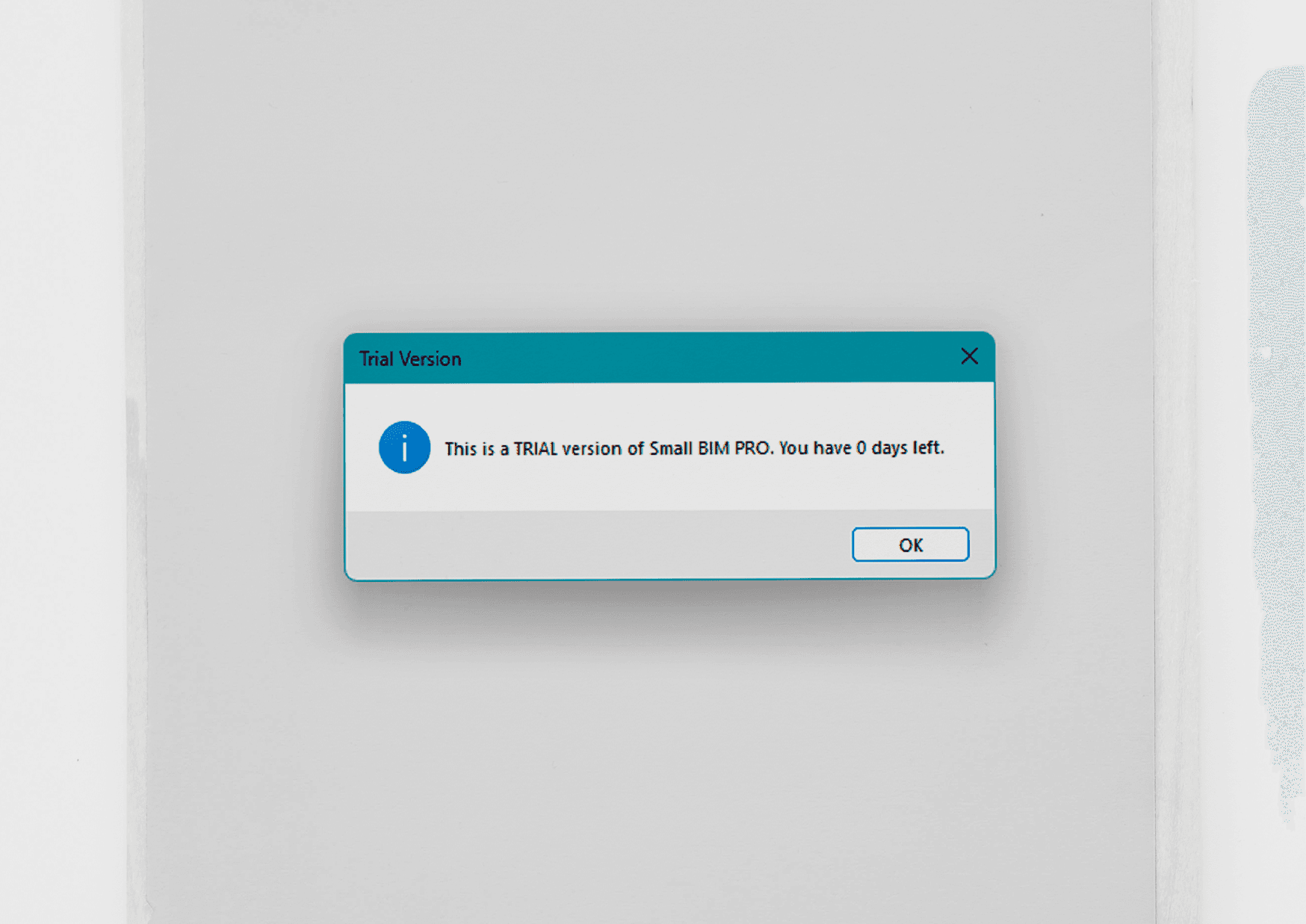
Trial Version nearing expiration status
Note: The warning will appear 7 days before the actual expiration date every time Revit is launched. "Trial Vesion Status : This is TRIAL version of Small BIM PRO. You have (0) days left."
Troubleshooting / Common Issues
- Tab not visible after installation: Check Admin privileges / Restart Revit / Unblock the file
- .addin not loading: Check the folder
%APPDATA%\Autodesk\Revit\Addins\20XX - License not working: Check for typos/spaces and verify internet connection (if required)